
Module
Receiver Electronics
Everything between the antenna and the laptop: the amplifier, the SDR, and the settings that match them.
5 lessons, in the order they are meant to be worked through
A horn on a stand is an antenna, not yet a telescope. The receiver chain makes it a telescope. A low-noise amplifier on the can’s probe boosts the faint signal until an SDR can detect it. A software-defined radio samples that signal and sends it to a computer over USB.
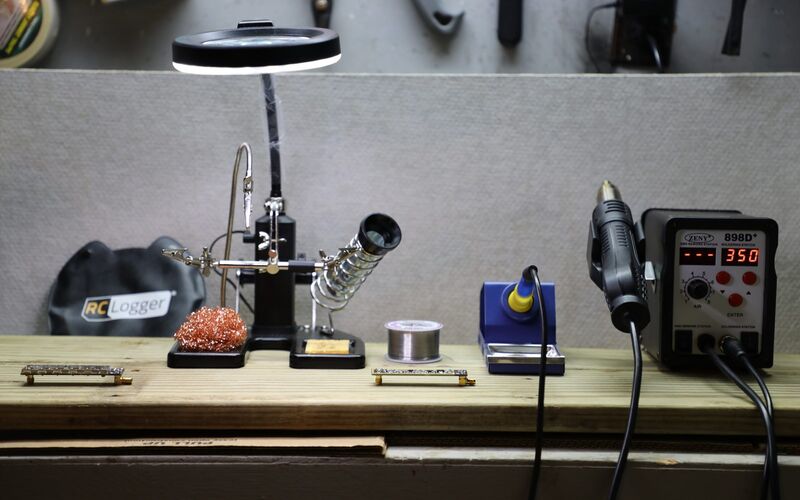
The amplifier largely determines telescope performance. It deserves careful attention. Build the DSPIRA amplifier from parts for around $30. Alternatively, choose one of two ready-made modules.
The SDR matters less. Several SDRs work, each with different sample rates and gains. Configure the spectrometer for your device. That is what the source-block settings lesson is for.
Read this module alongside Software Setup, which covers the programs the SDR feeds.
5 lessons in this module
-
Low Noise Amplifier (LNA) Options
Options for obtaining an LNA
-
Detailed LNA Construction Instructions
LNA Soldering Instructions for Each Component
-
SDR Options
Software Defined Radio (SDR) options
-
PlutoSDR software Installation
Steps for installing the PlutoSDR software on your computer
-
Spectrometer Source Block Settings
Settings in spectrometer for different SDR's